See and steer the work
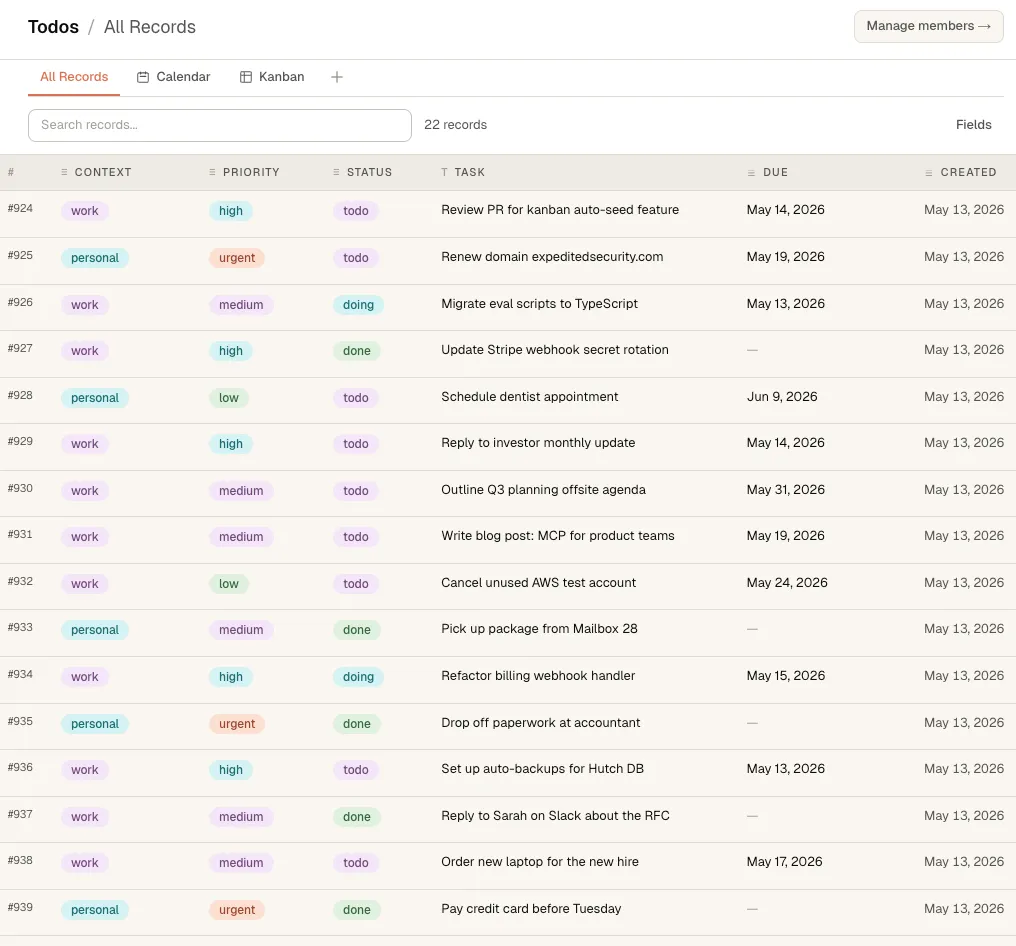
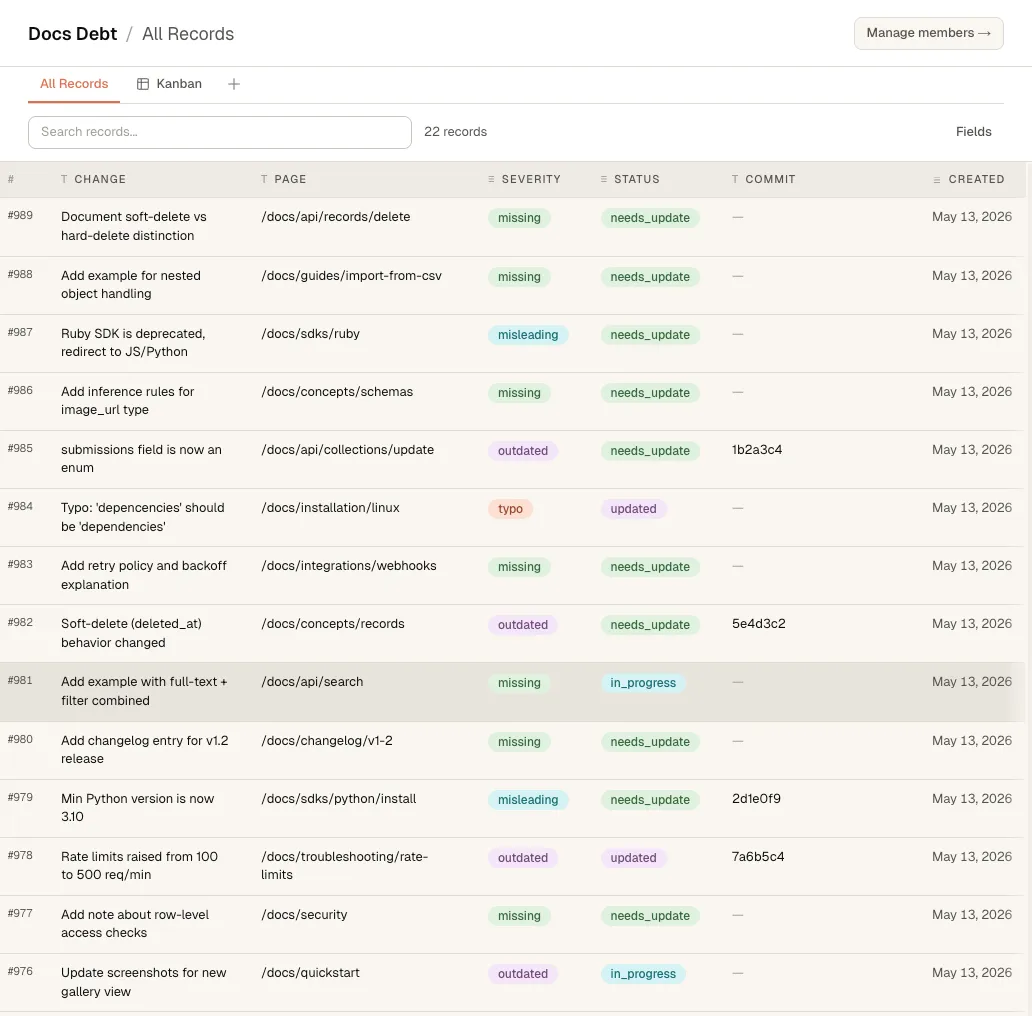
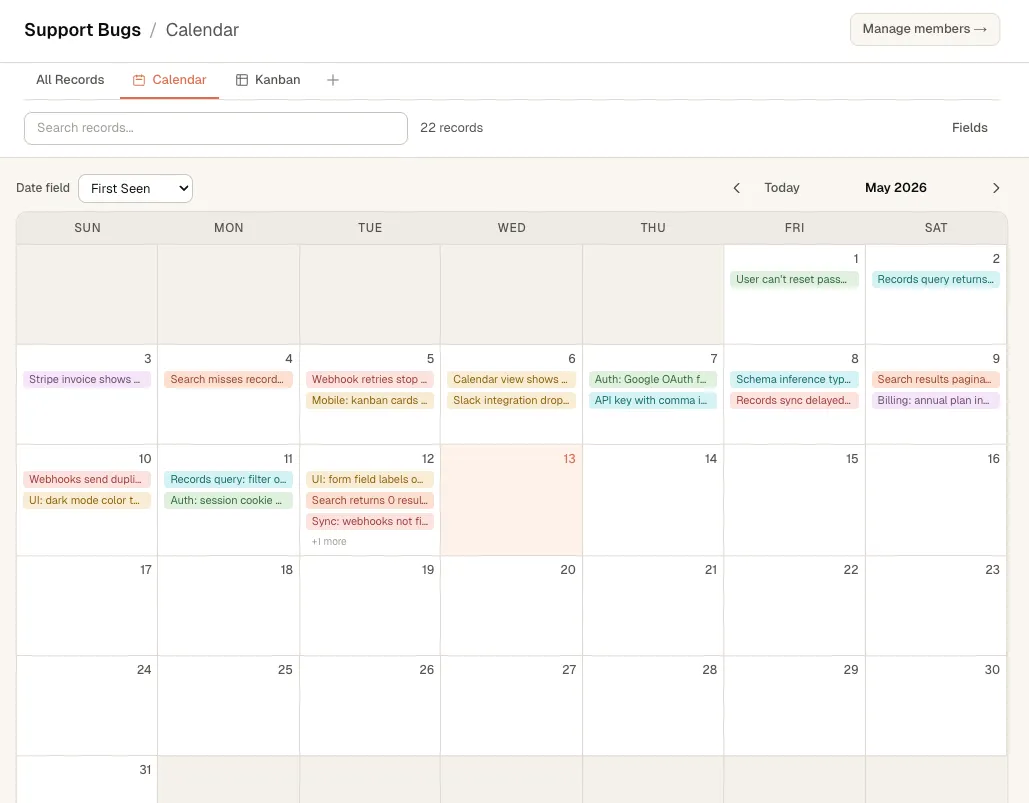
Review records, change statuses, attach files, and organize collections as tables, boards, calendars, timelines, or galleries.
The data your agents produce, in a database people can read, filter, and share. No schema, SQL, or setup required.
Create your workspace
Open source.Self-host whenever you want.USE HUTCH TO
Connect over MCP and say “save to Hutch.” Collections and views appear automatically.
People review, organize, and update the work in visual views. Your AI reads and writes the same records from inside the chat apps you already use. No copy-paste handoffs, stale context, or work trapped in a chat.
Review records, change statuses, attach files, and organize collections as tables, boards, calendars, timelines, or galleries.
Claude, ChatGPT, and other AI apps can look up what’s there, add records, and update the work as they go.
A decision, corrected record, or improved process becomes available to the next teammate or agent immediately.
A useful answer in one person’s chat should become something the whole team can use. Save the result, the source data, or the improved process to Hutch, and every teammate and agent starts from the latest version next time.
Shared collections, orgs, and magic-link invites. What Maria saved from ChatGPT on Wednesday, you can pull into Claude on Thursday, with no copy-paste relay between people.
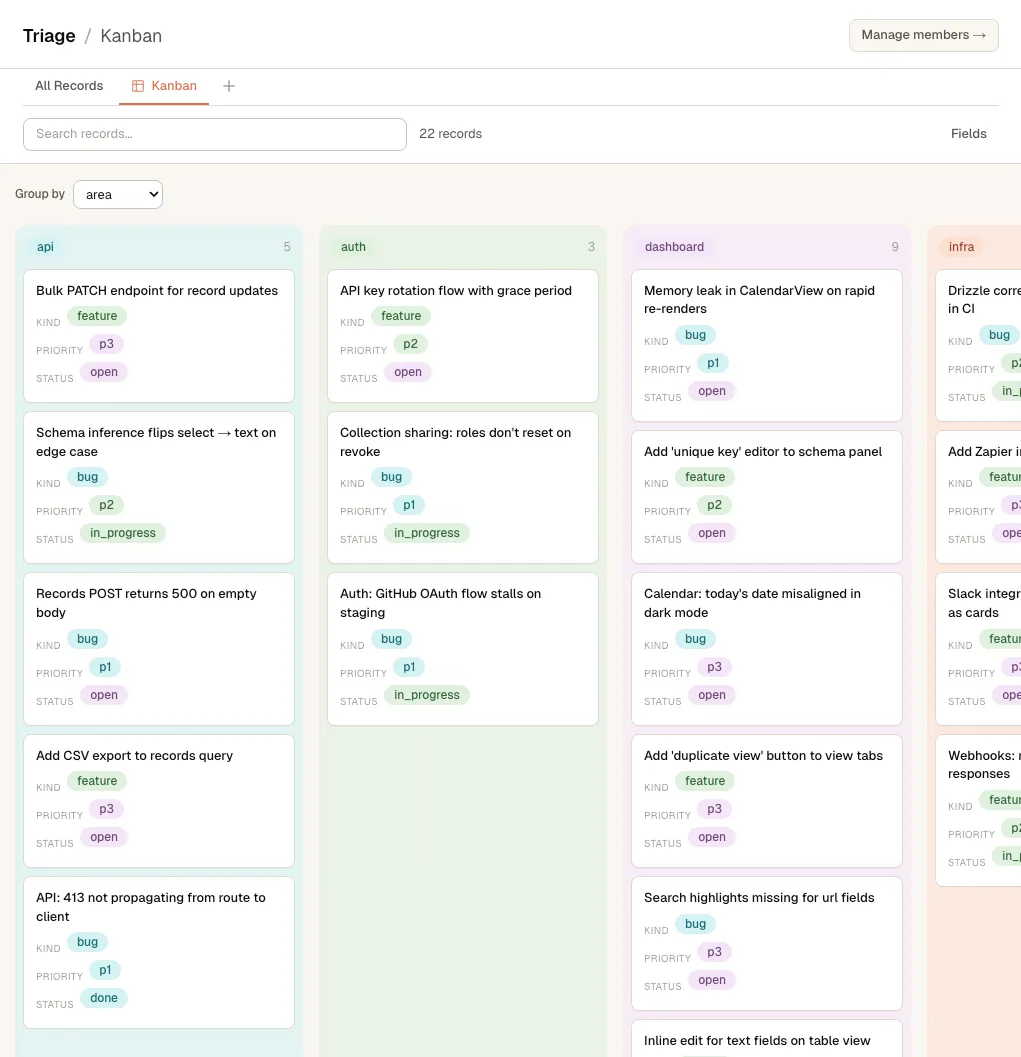
The same collection is a kanban board to a person and a lookup for your AI. Both read it, both write it, and neither side works from a stale copy.
Chats end. Collections don’t. Caught a missing step this run? Add it to the checklist, and every future run includes it, whether a person picks it up or an AI does.
Every collection becomes a table, kanban, calendar, timeline, or gallery. Your AI reads and updates the same collection from the chat, so it does the work while you review, edit, and steer.
Hutch connects from your AI app’s settings. Everyone on the team connects their own; one shared collection sits behind all of them.
Using a coding agent like Claude Code, Codex, or Hermes? Paste this in and it sets itself up.
Connect Hutch (hutchdb.com) to this agent as an MCP server.

- URL: https://app.hutchdb.com/api/mcp
- Transport: remote streamable HTTP
- Auth: OAuth (no API key). I'll approve in the browser.

1. Add the server for my user account, not just this project, so it works everywhere.
2. Start the OAuth login, or tell me exactly what to click if you can't start it yourself.
3. Tell me if I need to restart or reload you. Then call hutch_list_collections to confirm it works.No. People use Hutch in the browser: kanbans, calendars, tables. Only the agents speak MCP, and connecting one is a settings change in your AI app, not a code change.
Yours. Hutch has no bundled assistant and no AI credits to meter. It’s the shared workspace for the agents your team already uses and already pays for: Claude, ChatGPT, Codex, whatever ships next.
Hutch is an MCP server. OAuth-capable clients such as Claude and ChatGPT connect from their settings with a sign-in flow. Runtimes that do not support interactive OAuth, including OpenClaw, connect with a Hutch API token.
A shared set of records and files: your customer personas are one, this week’s newsletter run is another. Agents create them automatically the first time they save; people see each one as a table, kanban, calendar, timeline, or gallery.
No. It’s Postgres underneath, the core is open source (AGPL), and everything is reachable over plain MCP and REST. Export it, or move to self-hosting whenever you like.
Self-hosting the open-source core is free, forever. Hosted plans are on the pricing page.
Start with one playbook, reference library, or active project. Self-host the open-source core, or sign up and let us run it.